
Jul 6, 2026·Product
Support engineers spend their day reconstructing context
CoopAI Team·7 min read
Customer-facing engineering teams (support engineering, solutions engineering, forward-deployed engineering, technical account management) sit at an unusual intersection. You are not shipping the next feature sprint, but you still need to read across the full product stack, explain behavior to customers, diagnose integration issues, and know when to escalate.
That work is less about writing greenfield code and more about reconstructing context: what a module does, why it was built that way, who owns it today, and what breaks if a customer changes how they use it.
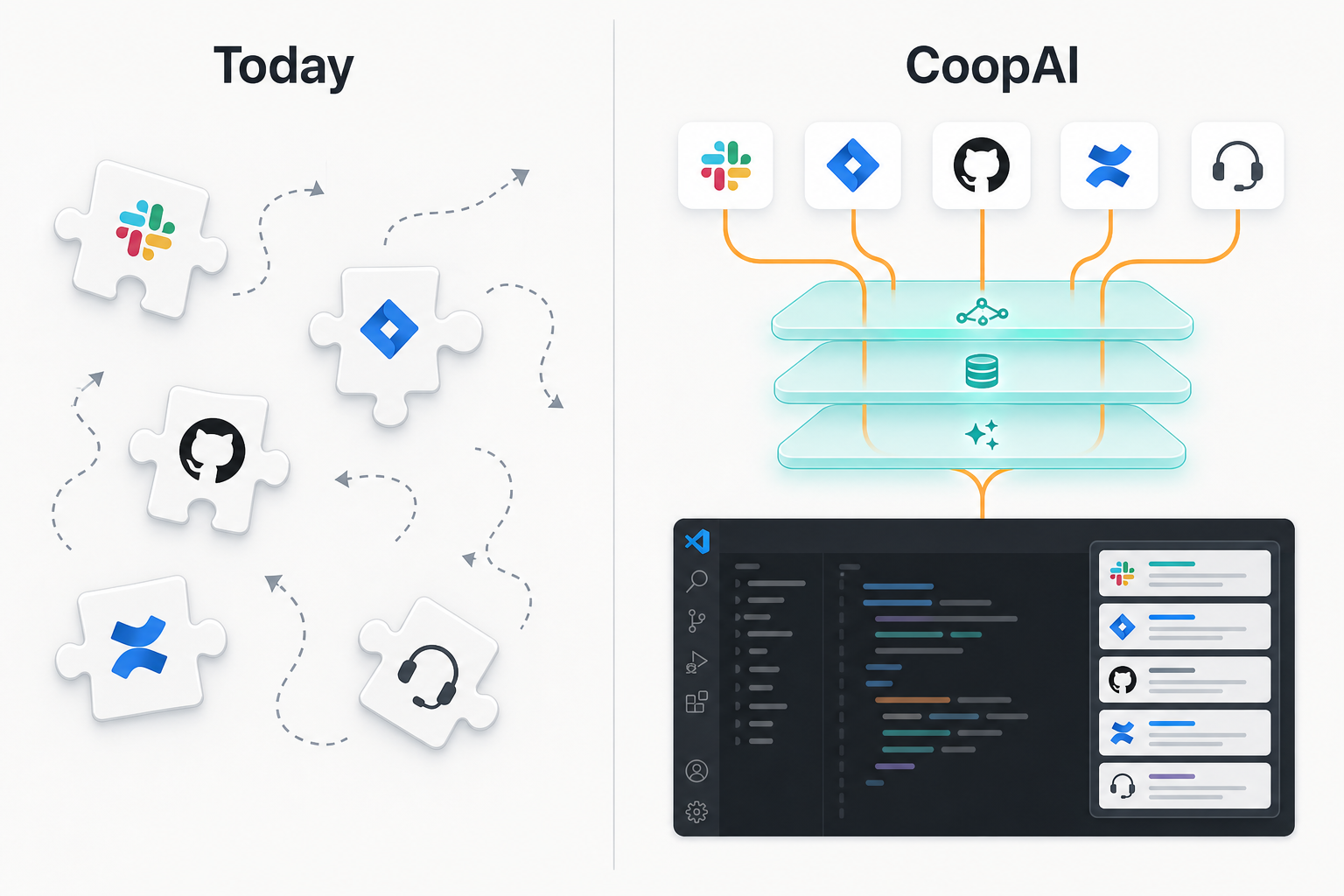
The answers rarely live in one place. They are split across Git history, internal docs, Slack threads, Jira tickets, and the engineer who happened to be in the room fourteen months ago.
When that reconstruction fails, the cost shows up fast: a wrong escalation, a missed SLA, another ping to your platform team for context they already answered last month.
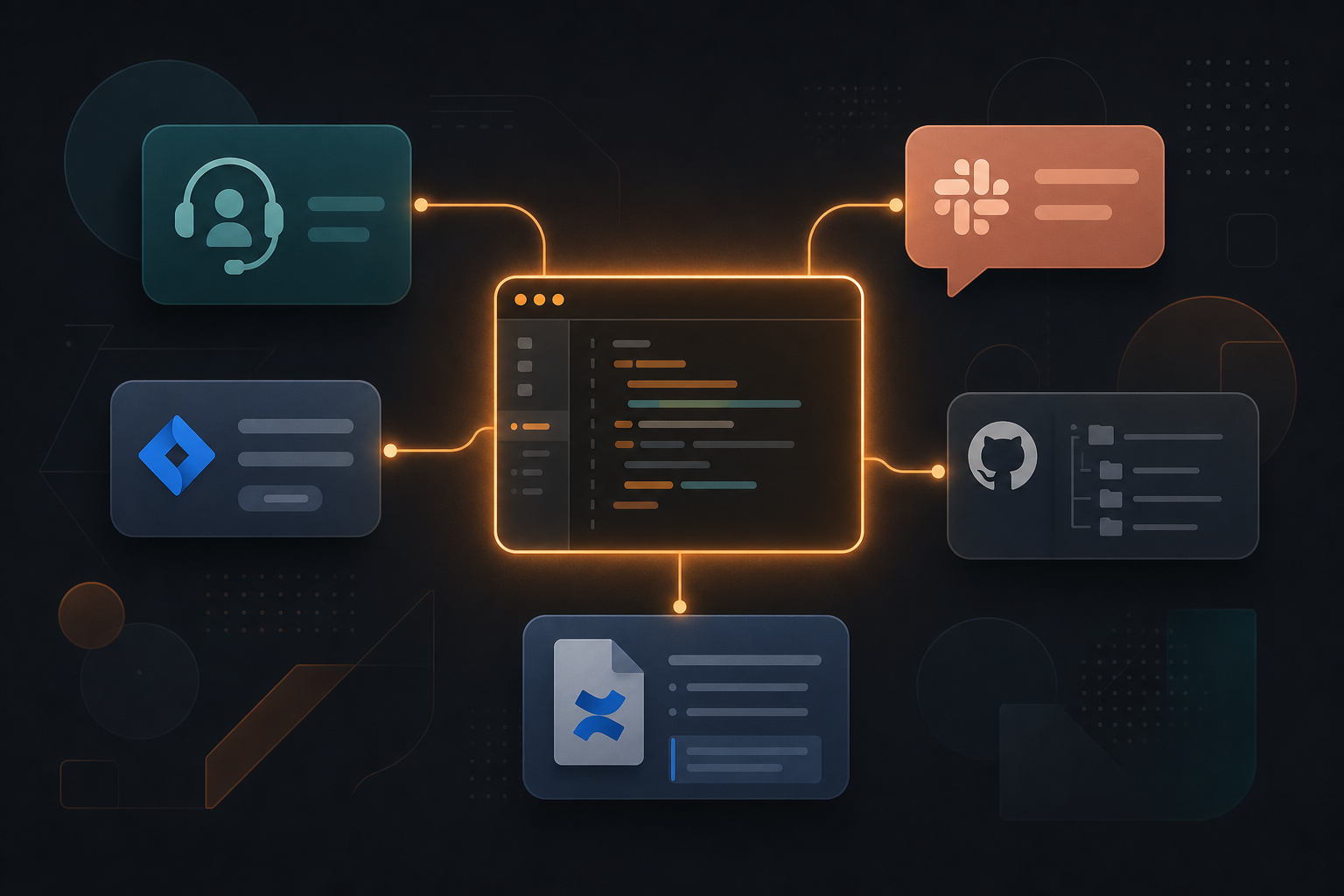
CoopAI is designed for this work. It connects your code graph, ownership data, and institutional context from Slack, Jira, Confluence, and Notion directly inside VS Code, so support engineers can unblock themselves without opening Slack, Jira, Confluence, and GitHub in separate tabs.
The examples below use a fictional payments platform (api-gateway, billing-worker, ledger-svc). The Coop team runs the same workflows on our own stack.
In this post:
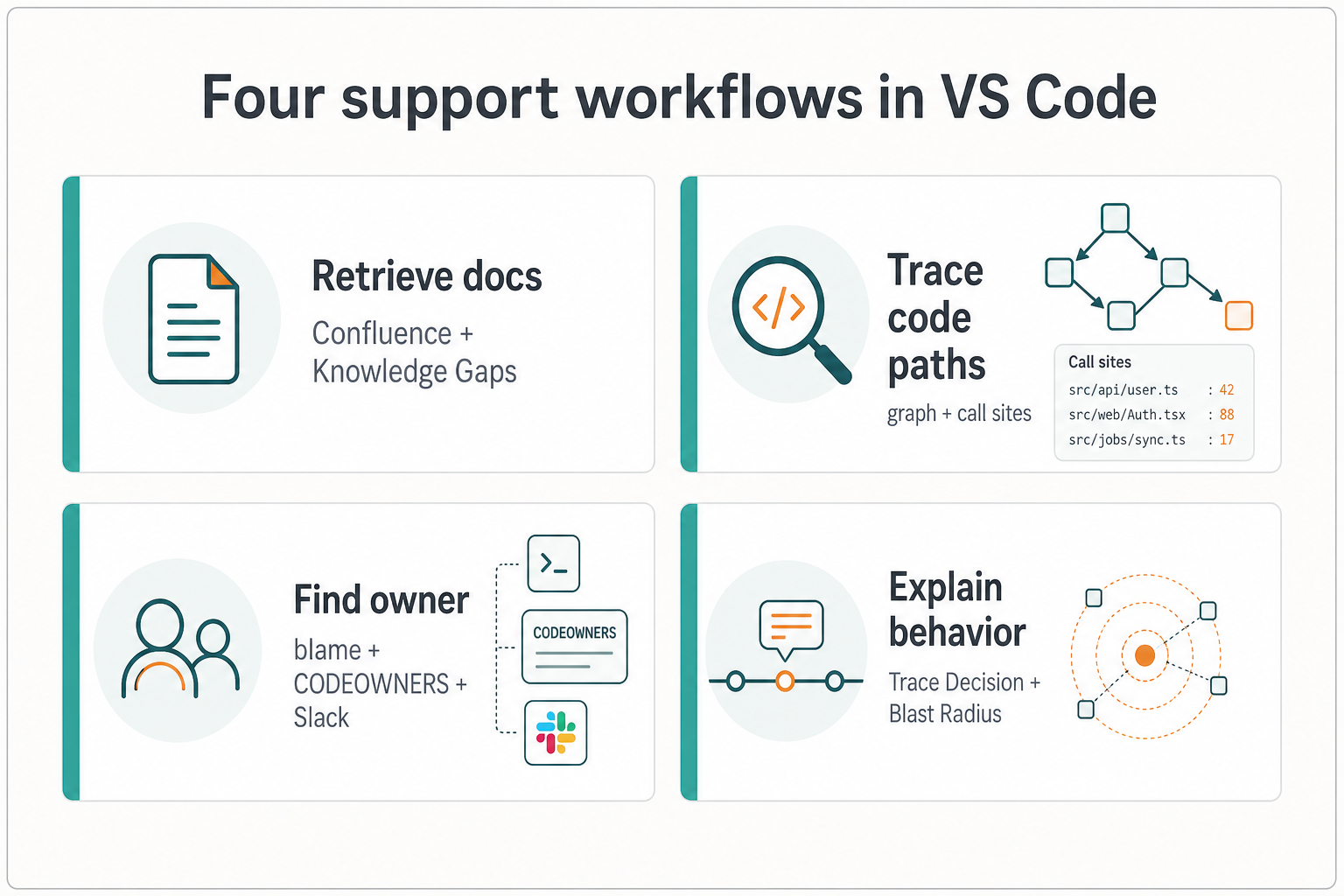
- Retrieve documentation and spot what's missing
- Trace code paths without keyword roulette
- Find the owner before you escalate
- Explain platform behavior with decision history
Retrieve documentation and spot what's missing
When a customer enables async webhook indexing on our platform, does your runbook document how to monitor Postgres volume growth for the graph cache?
Support teams live in documentation: runbooks, architecture guides, deployment references, and the internal wiki page that hasn't been updated since the last major release. CoopAI queries connected Confluence spaces, Notion pages, and Google Docs live when you ask — next to your Deep-Indexed repositories — so you can ask natural-language questions and get answers grounded in what your organization actually wrote.
That same workflow doubles as a knowledge gap detector. If CoopAI cannot find a credible answer to a core product question (graph cache persistence, index volume paths, or which services need a shared volume), that is often a signal the docs are hard to discover, outdated, or never written. Support teams feel those gaps first; CoopAI makes them visible before a customer hits them.
Try it: Use Knowledge Gaps on a service directory like docs/deploy-runbook.md, or ask in chat with /confluence scoped to your deployment runbooks.
Trace code paths without keyword roulette
Find every caller of
validateWebhookSignatureon the inbound webhook path and explain what each guard checks before a request reaches billing or ledger handlers.
Many support investigations start broad: a customer reports unexpected 401s on webhook delivery, and you need to find where auth is enforced before the handler runs. Keyword search across api-gateway/ and internal/webhooks/ is slow, especially when the failure spans middleware, org API keys, and legacy bearer bypass logic.
CoopAI's Understand Repo and graph-backed search let you ask about behavior across indexed repositories without cloning everything locally. You get explanations tied to actual call sites in auth_middleware.go and webhook_router.go, grounded in indexed call sites and linked tickets, with sources you can paste into the customer thread. When the answer spans multiple services, CoopAI surfaces cross-repo references from your indexed graph so you can follow the path end to end.
Try it: Right-click api-gateway/internal/auth_middleware.go → Understand Repo, or ask CoopAI to trace callers of a symbol across connected repos.
Find the owner before you escalate
Who owns
internal/auth/token_validator.go, and who should review a change to empty-payload handling before we advise a customer on a workaround?
Support engineers escalate constantly, but the hardest part is often knowing who to pull in. CODEOWNERS files go stale. Git blame tells you who edited a line, not who understands the surrounding auth stack. The relevant Slack thread in #billing-auth from last quarter is three channels away.
CoopAI's Find Owner combines blame history, ownership graphs, CODEOWNERS rules, and linked Slack discussions to suggest the people most likely to help. You get a short answer and suggested reviewers (for example, the engineer who reviewed the last three auth changes in #billing-auth), without opening five tabs.
Routing to the wrong owner is how a 20-minute ticket becomes a three-day thread.
Try it: Select the code in question → Find Owner, or ask who owns a path before you file an internal ticket referencing the customer's org ID.
Explain platform behavior with decision history
We run separate
api-gatewayandbilling-workerservices with a dedicated search index. What's the difference between the API and worker, and when did we split background indexing from the request path?
Infrastructure questions from customers are rarely pure trivia. They come with history: a tradeoff documented in a PR, a constraint raised in #platform-ops, a Jira epic that scoped what you ship today.
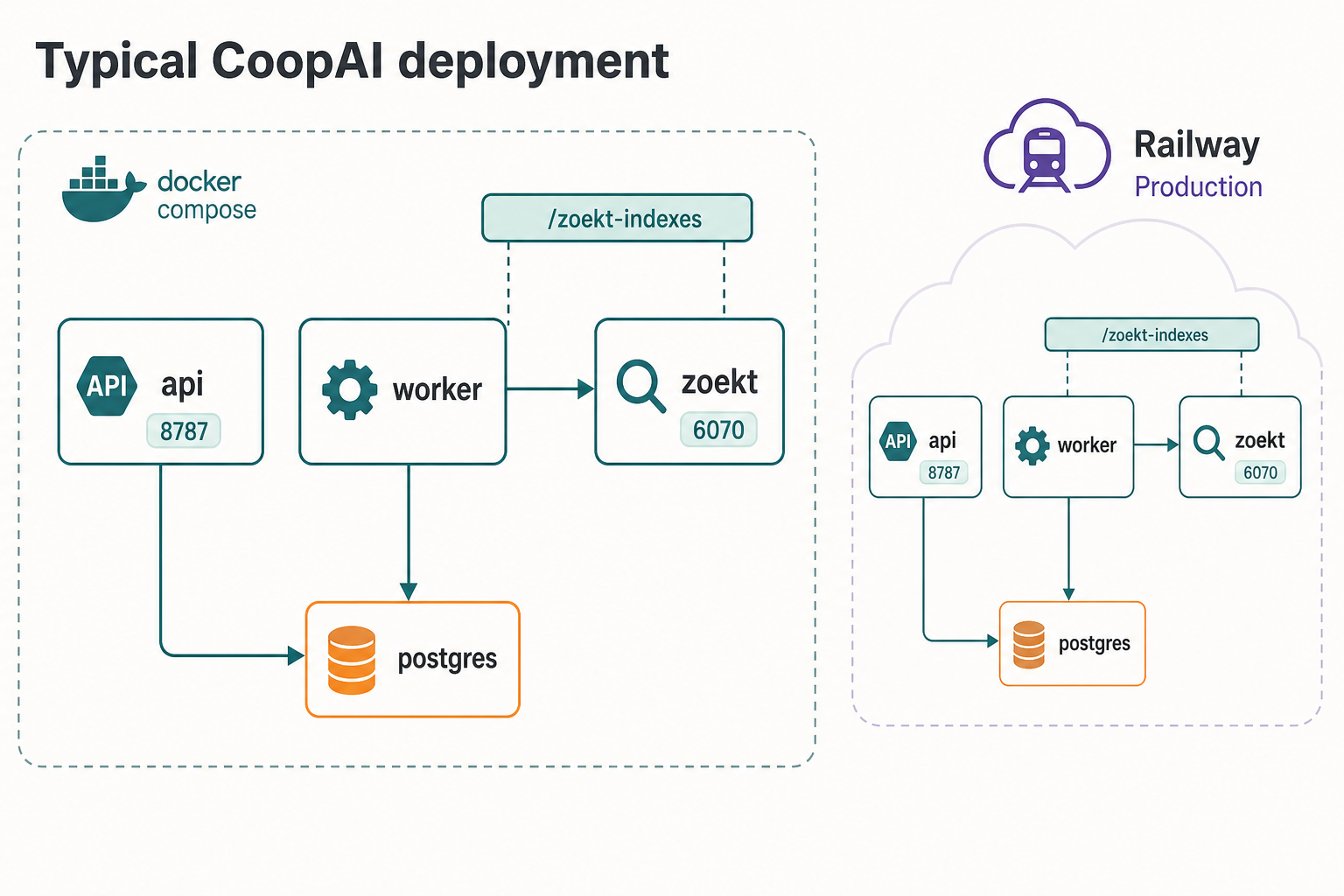
CoopAI's Trace Decision pulls rationale from commits, pull requests, and connected Slack and Jira context. It answers not just what docker-compose.yml says, but why background jobs were moved off the request path and which volumes the worker shares with search. For support engineers, that means you can explain nuanced deployment and architecture questions with confidence, and cite the sources behind the answer.
When a customer is considering a config change on their side, pair Trace Decision with Blast Radius to see dependent services. For example, what breaks if they change retry backoff in payments_queue.go across api-gateway, billing-worker, and ledger-svc.
Try it: Right-click docker-compose.yml or a deployment doc → Trace Decision, then run Blast Radius on any shared module the customer wants to touch.
When customer data is in scope
When you are troubleshooting with customer org IDs, auth tokens, or production configs in scope, data handling is not abstract. CoopAI's zero-clone architecture keeps indexing on your infrastructure. LLM inference runs server-side with zero-retention configuration: prompts are not stored for training, retention flags are disabled, and provider keys live on your server, not in the IDE.
You can route inference through your own provider keys and keep indexing on your infrastructure. See the security architecture docs for the full model.
What teams are seeing
"By just using the beta version of CoopAI I have seen at least a 50% reduction in time I spend asking / answering questions... I spend at least 6 hours each week answering questions and cut that in half this past week."
Senior Engineer, Row Labs (design partner)
Get started
Support engineering is context work. The faster you can reconstruct ownership, history, and impact, the faster customers get accurate answers, and the less time your platform team spends on repeat internal questions.
Individual contributors: Install the free CoopAI extension from the VS Code Marketplace.
Team leads and managers: Book a demo for a walkthrough with your stack and integrations.
Security reviewers: Read the security architecture docs or reach us at support@coop-ai.dev.